Ragdoll Football Roblox Script
Overview
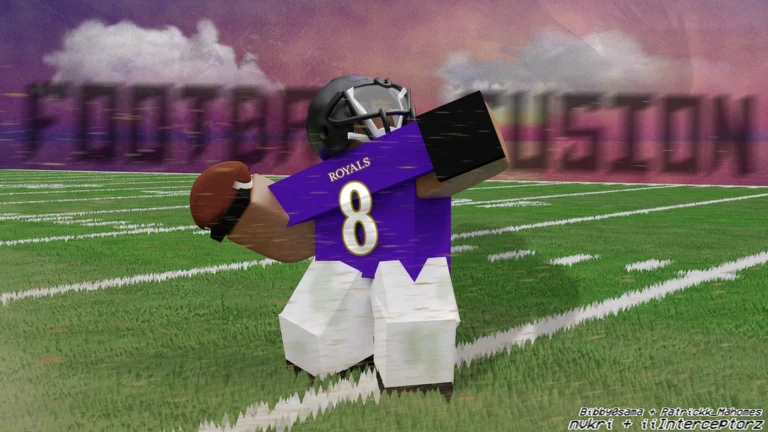
Ragdoll Football centers on physics-based tackles, passing and big plays that earn XP toward 99 OVR. Start with the game's native controls; the available script option is a universal utility build rather than a football-specific toolkit.

Script loader
Copy the loader below when you are ready to use the option described on this page.
Recheck pending after a Roblox update
- Roblox updatedOctober 23, 2026
- Source checkedOctober 23, 2026
- Page refreshedOctober 14, 2026
Step by stepAim a pass or change the play as quarterback
These are native gameplay actions, separate from the universal utility build. Ragdoll Football uses physical contact rather than canned tackle animations, so learn how to release or cancel your throw before working those actions into a live play.
- PC: commit or cancel
As quarterback, use Left Click to hike. Hold Left Click to aim your throw, then release when you choose to pass. If you decide not to release the pass, X cancels the throw; X also serves as the dive or hand-off action in other contexts.
- Console: separate the decisions
Use RT / R2 to hike as quarterback, then hold RT / R2 to aim and release to throw. If you change your mind while aiming, use LT / L2 to cancel. X / Square handles diving or handing off rather than canceling the throw.
- Mobile: release deliberately
Tap to hike, then hold still to aim and lift to throw. While choosing your pass, use the drag camera gesture to inspect the field; pinch adjusts zoom. Treat lifting as the throw action, not simply the end of aiming.
Game snapshot
Checked October 23, 2026
Roblox identity
- Place ID
- 81469298413354
- Universe ID
- 10766921988
- Released
- September 18, 2026
- Server size
- 14
Questions about this build
How do I take a knee for a touchback?
On PC, press V to take a knee. On Xbox or PlayStation, use B / Circle. The game identifies this action as taking a knee for a touchback.