NexRide Roblox Script
Overview
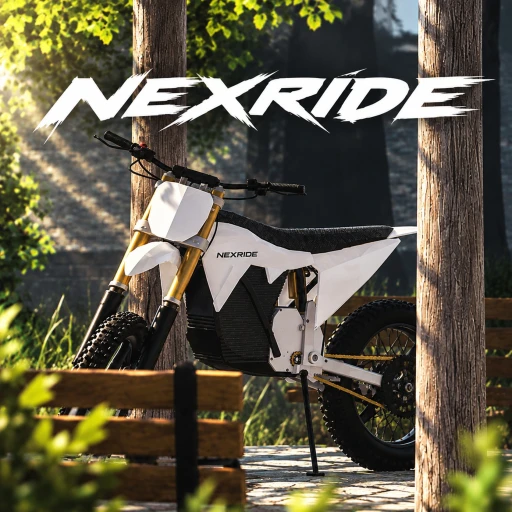
NexRide centers on riding, bike customization and earning money in a city with working traffic. The current script choice is a universal utility build; use the gameplay guide below to plan your ride rather than treating it as a bike-specific automation tool.
Script availability, live activity and update history can change. Check the current listing and game details before choosing a build for your next session.
Script loader
Copy the loader below when you are ready to use the option described on this page.
Source checked after the latest Roblox update
- Roblox updatedOctober 22, 2026
- Source checkedOctober 23, 2026
- Page refreshedOctober 23, 2026
Priority planGet familiar with your NexRide bike before changing its setup
For a riding-focused session, start with the bike you have and then choose what you want to change. NexRide combines realistic bike physics with performance upgrades and customization; these are normal gameplay activities, separate from the universal utility build.
- Ride before adjusting
- Cruise through the city to get a feel for the bike's physics and working traffic. Use how the bike feels during that ride as your reference when considering a different setup.
- Match the change to your goal
- Look at performance upgrades when you want to change the bike's performance, or customization when you want to make it your own. After changing your setup, ride again to judge whether you prefer it.
- Make room for earning
- If building wealth is your next goal, choose among work, deliveries and memecoin trading. Work and deliveries suit a job-focused session; trading is a separate money-making activity rather than a bike adjustment.
Roblox activity
Game snapshot
Checked October 23, 2026
Active now3,128
Visits1.3M
Favorites5.8K
Votes2.3K
Exact experience
Roblox identity
- Place ID
- 111963209595404
- Universe ID
- 10769925758
- Released
- October 8, 2026
- Server size
- 16