SCORCHED EARTH Roblox Script
SCORCHED EARTH Roblox Script combines Box ESP for players and Humanoid model ESP in a combat script hub for common Roblox executors. It is a practical utility for a loud, chaotic combat environment where spotting movement early can matter as much as reacting quickly.
What This SCORCHED EARTH Script Does
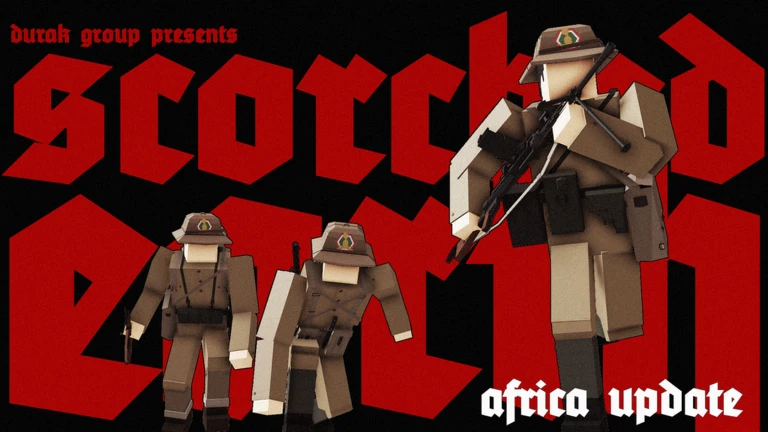
SCORCHED EARTH Roblox Script is a combat script hub built around Box ESP for players and Humanoid model ESP for common Roblox executors. Once active, it draws outlined boxes around valid targets using the Roblox Drawing API, so opponents or humanoid bodies are easier to pick out through visual clutter. In a game named SCORCHED EARTH, where fights can become noisy and hard to read, that single purpose is genuinely useful.
The script does not present itself as a full combat hub, and the inspected functions stay close to visual assistance. It searches for player characters, listens for new characters being added, and updates the box positions every rendered frame so the overlay follows targets as they move.
Confirmed Visual Features
- Player box ESP: Adds boxes to other players when their character and HumanoidRootPart are available.
- Humanoid model detection: Looks through workspace folders for models containing humanoids, then marks them with red boxes.
- Respawn handling: Listens for CharacterAdded events, allowing ESP to return after players reset or respawn.
- Screen-space quad drawing: Projects target positions to the camera view and draws four-point box outlines on screen.
Use the Visual Tracker
Load the script when you are in a live server, then give it a moment to attach boxes to active characters and humanoid models.
How the ESP Behaves In Game
The overlay is enabled automatically at the end of the script, but it may not appear instantly. The listing includes waiting and listener logic, which means boxes can show after characters finish loading or after a humanoid model passes the validator. If a target is removed, dies, or leaves the workspace, its box is also cleaned up.
Box placement is based on a target primary part, usually HumanoidRootPart when it exists. The script checks whether projected corner points are in front of the camera before showing the quad, so boxes should disappear when a tracked object is not visible from the current view direction.
Best Use Cases During Matches
- Scanning open areas: Use the boxes to notice player movement sooner across busy or damaged terrain.
- Tracking respawns: The character listener helps keep awareness after enemies return to the round.
- Reading crowded fights: Outlined targets can make it easier to separate bodies from effects, smoke, and map clutter.
- Watching non-player humanoids: If the match uses humanoid models outside normal players, the folder listener can mark them too.