Rain Game Roblox Script
Rain Game Roblox Script combines Berry ESP and Bluefruit ESP in a combat script hub for common Roblox executors. It adds ESP-style markers for important food sources and lizard threats, with live distance readouts that help you decide where to move next.
What This Rain Game ESP Focuses On
Rain Game Roblox Script is a combat script hub built around Berry ESP and Bluefruit ESP for common Roblox executors. This script addresses that problem by placing clear visual markers on selected objects, so you can spot useful resources and dangerous lizards without needing to search every corner manually.
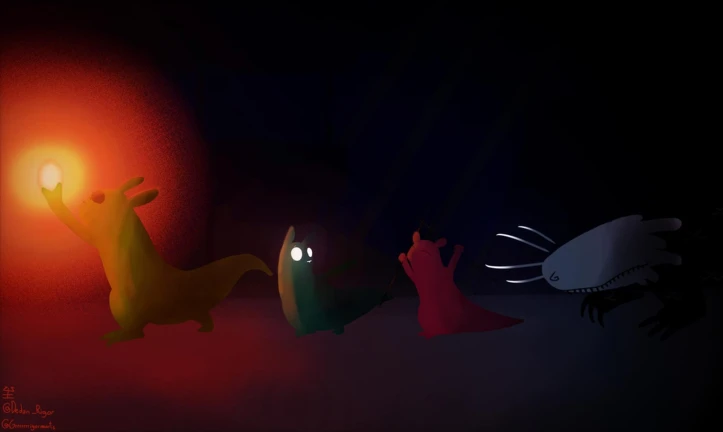
The build is not a broad automation tool. Its value is in awareness: finding berries, bluefruit, and batflies faster, while also keeping track of green, red, pink, and black lizards before they surprise you.
Tracked Food and Creature Targets
- Food visibility: Berries, bluefruit, and batflies receive their own labels and colored highlights for easier collection routes.
- Lizard awareness: Green, red, pink, and black lizards are marked so nearby threats are easier to notice.
- Object-specific handling: The script checks whether each target is a part or model before applying its marker.
- Dynamic scanning: New matching objects that appear later in the workspace can also receive ESP after they spawn.
Use the Current Loader
Run the loader in your executor, then wait briefly while the workspace scan applies markers to existing and newly spawned targets.
Distance Labels for Better Routing
Each active marker includes a distance value in studs, updated every frame from your character position when available. If your character has not fully loaded, the script can fall back to the camera position, which helps keep labels functional during awkward loading moments.
This is especially useful when choosing between multiple food items. Instead of guessing which target is nearest, you can compare the numbers directly and move toward the most efficient option.
Closest Food Highlighting
Food targets are treated differently from lizard targets. The script builds a separate list of active food markers, sorts them by distance, and marks the five closest food sources so they stand out from the rest.
- Nearest priority
- The five closest food items are promoted visually, helping you plan short and safer collection paths.
- Survival use
- This can reduce wasted movement when you need food quickly or want to avoid wandering into danger.
Visual Marker Design
- Colored highlights: Targets receive transparent glow outlines, making them easier to distinguish through busy scenery.
- Floating name tags: Billboard labels identify each tracked target by name and update with current distance.
- Separate colors: Food and lizard types use different colors, which makes quick recognition easier during movement.
- Cleanup logic: Destroyed or removed objects are cleared from the active tracking list to prevent stale labels.