DUELIST: PvP Roblox Script
DUELIST: PvP Roblox Script combines Aim assist and Player ESP in a combat script hub for common Roblox executors. This Keyify page covers the LuminWare Duelist PvP script build in practical terms, with attention on combat support tools that fit fast rounds, target tracking, and close pressure.

What This Duelist PvP Build Is For
DUELIST: PvP Roblox Script is a combat script hub built around Aim assist and Player ESP for common Roblox executors. Since the game is centered on duels, the useful functions are naturally combat focused: keeping opponents visible, improving target focus, reducing weapon handling difficulty, and helping with positioning during short exchanges.
Because DUELIST is still marked as beta, round flow and weapon behavior may change between updates. A practical setup should therefore favor simple toggles that can be adjusted quickly between fights instead of complicated automation that might feel out of place in a direct PvP arena.
Combat Features Included
- Aim assist: Helps keep your crosshair closer to enemy players during duels, especially when targets strafe or jump unpredictably.
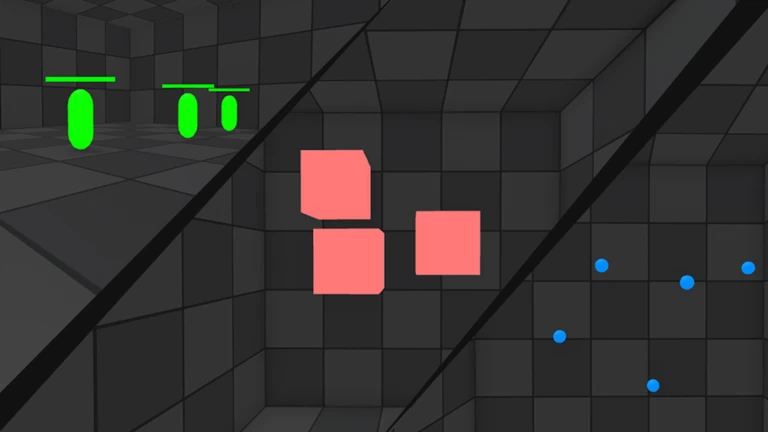
- Player ESP: Highlights opponent positions so you can read pushes, rotations, and hiding spots before committing to a fight.
- Hitbox adjustment: Makes close range tracking more forgiving by slightly improving the area used for registering enemy contact.
- Recoil control: Stabilizes weapon handling so repeated shots are easier to keep on target during sustained pressure.
- Movement support: Provides positioning help for faster peeks, retreats, and angle changes during active PvP rounds.
Use the Current Loader
Run the provided loader in your preferred Roblox executor after joining [UPDATE] DUELIST: PvP and waiting for the match interface to load.
Best Way to Tune It In Matches
Start with visibility tools first, then add aim or recoil support only after you understand the current weapon balance. In duel games, too many aggressive settings can make movement feel unnatural and can also reduce your ability to practice timing, spacing, and manual aim.
- Keep settings moderate: Use small aim and movement values so the script supports your play instead of taking over every fight.
- Adjust per weapon: Lower assistance for accurate weapons, then increase recoil help only when a weapon becomes difficult to control.
- Reset between updates: After a game update, recheck each toggle because beta balance changes can affect dueling rhythm and weapon feel.