Zombies vs Humans Roblox Script
Zombies vs Humans Roblox Script combines Hit Aura and Block Hit Aura for Gravedigger in a combat script hub for common Roblox executors. It follows the match from spawn, through team scouting, into the repeated work of hitting enemies, graves, blocks, and projectiles. The build is aggressive, so the most useful parts are the ones that reduce busywork without hiding the risks.
From Spawn To First Contact
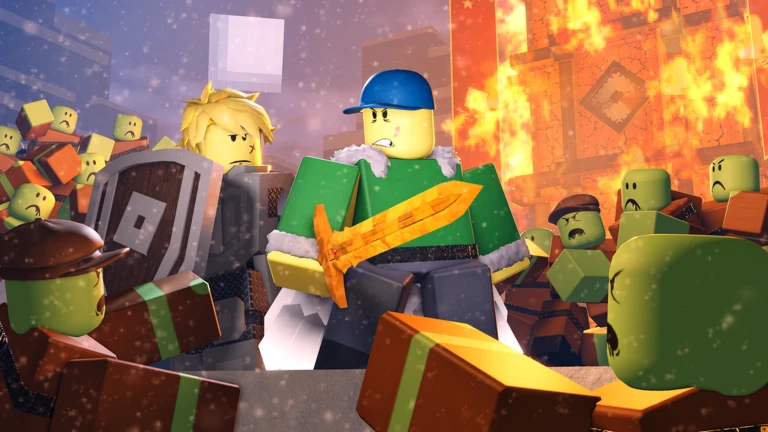
Zombies vs Humans Roblox Script is a combat script hub built around Hit Aura and Block Hit Aura for Gravedigger for common Roblox executors. After joining, the first practical read is your location label and death magnitude display, which helps you avoid drifting into the game’s anti-cheat boundary. No Fog also makes early scouting easier, especially when teams are spreading around builds and grave areas.
Once teams start moving, Human ESP and Zombie ESP become the main planning tools. Enemy highlights use visible colors, while zombie labels can identify roles such as Bomber, Rusher, Cannoneer, Gravedigger, Gladiator, and Hunter when their tools are detected. That makes ambushes and defensive decisions less guessy.
Combat Chores It Tries To Shorten
The core combat helper is Hit Aura, which looks for hostile characters within close range and invokes melee hits with supported weapons. It also includes routines for striking cannonballs and graves, so the player is not only chasing bodies. Gravedigger users get a separate Block Hit Aura with an adjustable radius for clearing nearby blocks faster.
- Melee pressure
- Works around swords, axes, daggers, hammers, trident, and class weapons found in the backpack or character.
- Block clearing
- The Gravedigger pickaxe mode checks surrounding block parts and sends block-hit actions inside the chosen radius.
- Cooldown control
- A textbox can edit swing cooldown values inside item data modules, useful for testing faster weapon pacing.
Run It Once You Are In Round
Load the script after your character has spawned so team checks, tools, ESP, and character modules can initialize cleanly.
Movement Fixes And Risky Recovery
The anti section is more about staying mobile than becoming subtle. Anti Jump Fatigue, Anti Fall Damage, Anti Ragdoll, and anti wall-hop checks target common interruptions during chases or escapes. There is also a zombie scaffolding option that changes collision behavior so climbing certain placed structures is less restrictive.
For stuck moments, the AntiStuck button teleports the character upward and clears velocity, which is simple but useful after clipping into builds. The kill-brick toggle can disable touch zones, although the script itself warns that water time and extreme distance can still kill you. The Human Weld tools are the strangest part, letting offsets and an instant-kill style option pull the round into exploit-heavy territory.
- Use ESP first: Check team positions before enabling combat automation, especially when several zombie classes are pushing together.
- Match the tool: Turn on Block Hit Aura only when using Gravedigger, otherwise it will not fit the intended weapon logic.
- Keep recovery manual: Save AntiStuck for actual clipping or trap problems instead of pressing it during normal movement.