Lone Survival Roblox Script
Lone Survival Roblox Script combines No recoil in a combat script hub for common Roblox executors. Manual shooting asks you to drag the camera back into line after every burst, while this automated setup keeps the sight picture steadier. The result is a practical combat tweak for players who want cleaner follow-up shots without changing the rest of the survival loop.
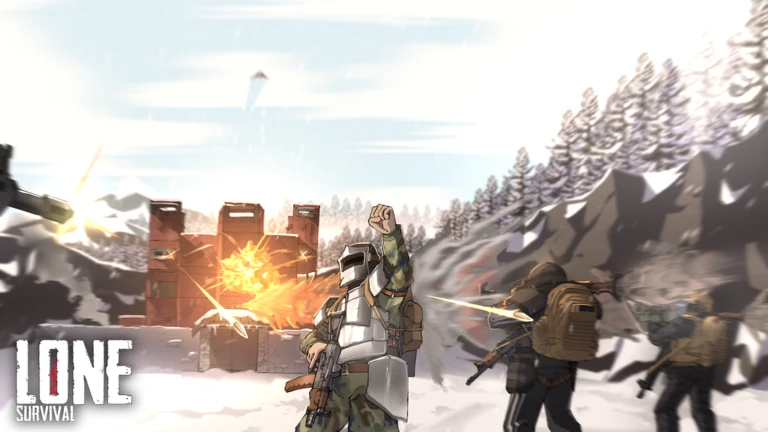
Steadier Fire in Survival Fights
Lone Survival Roblox Script is a combat script hub built around No recoil for common Roblox executors. Its confirmed function removes the recoil kick that normally pushes your aim away from center after firing, which makes automatic and repeated shots easier to control during close rooms, open angles, or sudden ambushes.
Instead of correcting every spray by hand, you can stay on target and focus on timing, cover, and ammo discipline. That contrast matters in a survival shooter, where one bad burst can reveal your position or waste the rounds you needed for the next encounter.
What the Current Build Changes
The listing points to one narrow combat edit rather than a full utility hub. It searches for the internal recoil add function, then changes the values passed into it before the game applies camera movement.
- Vertical recoil: Vertical recoil is set to zero, so bursts should stop climbing upward after each shot.
- Side movement: Horizontal recoil is also cleared, reducing the left and right drift that breaks tracking.
- Weapon timing: The hook may need a gun loaded first, because the recoil function must exist before it can be changed.
Load the Recoil Patch
Run the loader after your weapon is active so the recoil function is already available to hook.