Dont Wake Up DIO Roblox Script
Dont Wake Up DIO Roblox Script combines Secret rarity highlights and Legendary rarity highlights in a combat script hub for common Roblox executors. It adds a small in-game control panel that lets players highlight Secret, Legendary, and Mythic targets, with a height filter designed to keep the markers relevant to reachable objects in the active play area.
What this script actually does
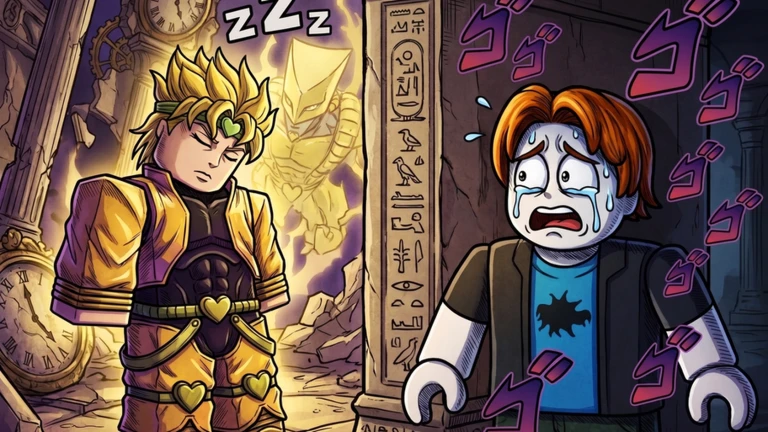
Dont Wake Up DIO Roblox Script is a combat script hub built around Secret rarity highlights and Legendary rarity highlights for common Roblox executors. When a matching rarity is found and its toggle is enabled, the script applies a colored highlight directly to that model, making valuable targets easier to separate from normal clutter while moving through the map.
Its purpose is narrow but practical for a game where spotting the right object quickly can matter. Instead of filling the screen with unrelated tools, it concentrates on Secret, Legendary, and Mythic detection, which keeps the menu simple and makes the script easy to understand during active gameplay.
Rarity filters and colors
- Secret
- Secret models are highlighted in bright magenta, making the rarest-looking targets stand out strongly against darker areas.
- Legendary
- Legendary models use a gold highlight, which is easy to recognize without confusing it with the other rarity colors.
- Mythic
- Mythic models are marked with a purple highlight, giving this rarity its own clear visual category.
- Separate toggles
- Each rarity can be turned on or off independently, so players can focus only on the tier they are hunting.
Use the current loader
Run the loader in your preferred executor after joining Dont Wake Up DIO, then enable only the rarity filters you want to track.
Height filter keeps markers useful
A notable part of this script is the height check. The highlight only applies when a detected model’s HumanoidRootPart is at or below a set vertical limit, which helps avoid marking objects that are too high above the normal play space or otherwise not relevant at the moment.
That makes the ESP cleaner than a basic scan that highlights every matching model anywhere in the workspace. In Dont Wake Up DIO, a controlled marker system is more useful than a crowded one, especially when players are moving quickly and need to identify nearby high-rarity targets without reading every label manually.
Best way to use it in-game
- Start with one rarity: Enable Mythic, Legendary, or Secret alone first to learn how the markers appear around the map.
- Avoid visual clutter: Turn off filters you are not actively using, especially in busy areas with many labeled models.
- Let the refresh work: The script updates highlights repeatedly, so newly loaded or changed models should be checked again automatically.
- Use it as a finder: This is mainly a visual locating tool, not a full farming, combat, teleport, or reward automation build.