Storm▼ Inc. Roblox Script
Storm▼ Inc. Roblox Script combines real-time tornado distance display and tornado bearing and direction readout in a combat script hub for common Roblox executors. Roblox Script combines real-time tornado distance display and tornado bearing and direction readout in a combat script hub for common Roblox executors. Roblox Script focuses on real-time tornado distance display and tornado bearing and direction readout. Roblox Script focuses on real-time tornado distance display and tornado bearing a
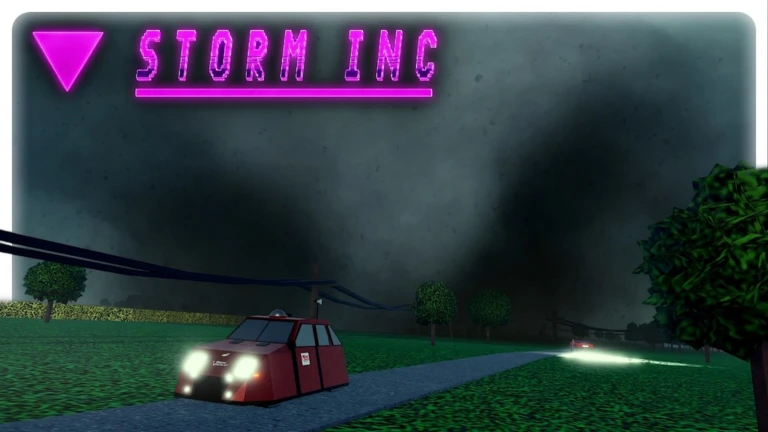
Storm tracking tools
Storm▼ Inc. Roblox Script is a combat script hub built around real-time tornado distance display and tornado bearing and direction readout for common Roblox executors. Roblox Script is a combat script hub built around real-time tornado distance display and tornado bearing and direction readout for common Roblox executors. Roblox Script is built around real-time tornado distance display and tornado bearing and direction readout. Roblox Script is built around real-time tornado distance display and tornado bearing and
The tornado ESP and direction arrow add a second layer of awareness when visibility drops. In a game where rain, fog, terrain, and buildings can hide the funnel, these tools help you keep orientation without constantly guessing where the main threat has moved.
Vehicle and chase support
- Vehicle transforms: The menu includes buttons for multiple chase units, including TITUS, TIV models, Dominators, DOW vehicles, Dorothy, Armadillo, UTAV, and trucks.
- Anchor controls: Manual anchoring fires the supported vehicle anchor requests, while auto anchor can engage near a selected tornado distance.
- Auto follow: Auto follow is included for players who want the script to assist with staying connected to the storm target.
Use the current loader
Run the latest loader from the script box, then open the in-game HilosHAX panel to choose the tools you need for the current storm.
Visibility and character options
The visual options are practical for Storm Inc. Clear rain and clear fog improve line of sight during messy intercepts, while the no wind option reduces environmental interference. These settings are especially useful when you are trying to read the road, line up a probe drop, or avoid driving blind into the circulation.
Character helpers are also included, but they are secondary to the chase tools. Speed adjustment, infinite jump, and noclip can help with repositioning on foot, recovering from awkward terrain, or moving around vehicles and structures when the storm environment becomes difficult to navigate.
- Remote value inputs: The interface includes score, SRH, and CAPE value fields for the script’s remote and farming tab.