Paint an Album Roblox Script
Paint an Album Roblox Script combines Custom brush radius setting in an utility script hub for common Roblox executors. It is centered on one practical control: setting a custom BrushRadius value from a small in-game panel. That keeps the creative choices, color decisions, and album layout in the player’s hands while reducing repeated size adjustments.
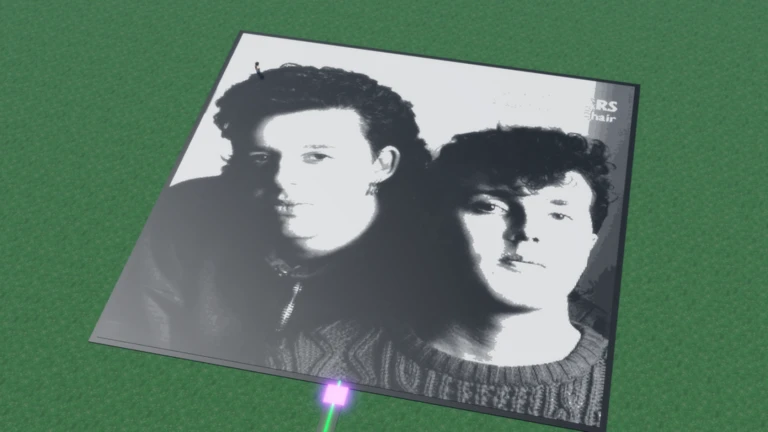
Brush Radius Without Menu Digging
Paint an Album Roblox Script is an utility script hub built around Custom brush radius setting for common Roblox executors. The build creates a draggable panel named Modifier with a single text field, then writes the entered number to the local player’s BrushRadius attribute. For album painting, that means broad backgrounds, oversized shapes, or heavy fill work can start faster, while the actual strokes and composition remain yours.
Controls That Stay Deliberate
The interface is intentionally limited, which is useful in a drawing-focused session. Instead of stacking unrelated toggles, it asks for one numeric value and closes after a valid entry, so the canvas stays clear once the brush size is set.
- Numeric entry: Type a radius value directly, including larger numbers for covering wide album areas quickly.
- Draggable panel: Move the black window away from the artwork before committing a value.
- Invalid input reset: Non-number text is cleared, preventing accidental attribute changes from stray typing.
Run It Before Big Fills
Use the loader when you are ready to set a brush radius, then continue painting with your normal in-game choices.