New Doors Roleplay Roblox Script
New Doors Roleplay Roblox Script combines Morph into available roleplay forms and Browse detected morphs from the game in a combat script hub for common Roblox executors. It builds a dedicated morph selector that reads the game’s available morphs and lets the player switch into a chosen form with a single click.
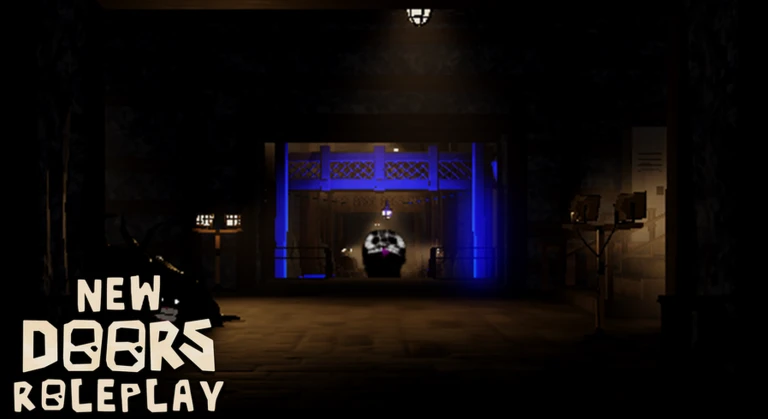
Fast Morph Access for Roleplay
New Doors Roleplay Roblox Script is a combat script hub built around Morph into available roleplay forms and Browse detected morphs from the game for common Roblox executors. Instead of searching around the map or relying on slower in-game selection methods, the script creates a panel of available morph names and sends the selected morph request when a button is clicked.
For New Doors Roleplay, that makes it especially useful when changing scenes, acting as different entities, or testing how several morphs look in a private session. The script is not trying to add unrelated combat or farming tools, it stays centered on character transformation.
What the Menu Actually Does
- Detected morph list: It checks the game’s morph folder and creates a button for each folder or model it finds.
- Alphabetical order: Morph names are sorted before display, which makes a long roleplay roster easier to scan.
- Click-to-morph action: Choosing a button fires the game’s morph response event with the selected morph object.
- Respawn recovery: The selector is recreated after the player’s character respawns, keeping access available during longer sessions.
Use the Morph Selector
Run the loader while inside New Doors Roleplay, then pick a morph from the on-screen list.
Interface Notes and Practical Limits
The selector appears as a dark, draggable window with a scrollable list, a close button, and a small creator credit at the bottom. Hover feedback and a brief green click color help confirm that a morph button was pressed, which is useful when quickly switching between forms.
The script depends on New Doors Roleplay exposing a Morphs folder and a DefaultMorphRespond remote in ReplicatedStorage. If those objects are not present in the current server or the game changes its structure, the menu may show an error or no morphs instead of usable buttons.