MineBAT Roblox Script
MineBAT Roblox Script combines Auto attack and Auto critical hits in a combat script hub for common Roblox executors. Roblox script is centered on fast combat control, with tools for attacking nearby players, handling critical hits, and clearing hostile NPCs. The build also includes movement assists such as orbiting, slow falling, infinite jump, teleport walk, and spin, which makes it more useful during chaotic melee fights.
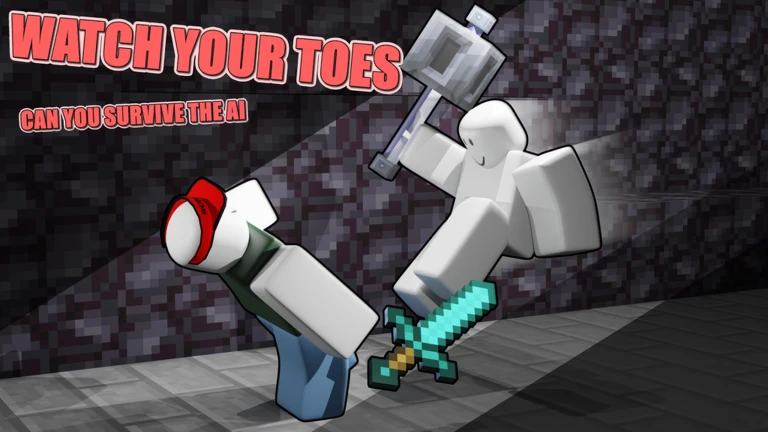
Combat Tools for MineBAT! Fights
MineBAT Roblox Script is a combat script hub built around Auto attack and Auto critical hits for common Roblox executors. Auto attack searches for the nearest valid player target and fires the equipped tool attack at a adjustable delay, so it is best used when you are already holding a weapon and staying close enough to pressure opponents.
Auto critical hits add a jump and strike pattern intended to land stronger melee hits. The script also includes a look-based targeting option, which limits critical targeting to enemies generally in front of the camera, helping avoid wasted attacks on players behind you during crowded fights.
Targeting, Aura, and Wind Charge
- NPC kill aura: Finds nearby non-player humanoid models and attacks them within the configured range.
- Wind charge loop: Aims the wind charge remote toward the closest player and repeats it at a fast interval.
- Orbit movement: Circles a selected nearby target at a chosen distance, keeping pressure while repositioning around them.
- Attack values and speed: Several combat modules expose timing or damage values, letting users tune aggression for different weapons.
Use the Current Loader
Run the current loader once you are in MineBAT!, then open the combat and movement tabs to enable only the tools you need.
Movement Options During Combat
The local player section focuses on mobility rather than farming. Slow falling caps downward velocity, infinite jump allows repeated jump requests, and teleport walk moves the character forward in short position steps based on movement direction.
Spin disables normal autorotation and rotates the root part continuously, which can make close-range tracking less predictable. These movement options are most practical when combined selectively, since enabling too many at once can make positioning harder to control.
Practical Setup Notes
- Equip a tool first: The attack function reads the currently held tool name, so combat modules need a weapon equipped.
- Set realistic ranges: Shorter critical and aura ranges reduce random target switching and keep attacks focused on nearby threats.
- Use orbit carefully: Orbit changes your character position directly, so disable it before navigating tight terrain or bridges.
- Toggle crit quickly: A floating CRIT button is included for switching auto critical hits without reopening the main window.