MUSCLE SIMULATOR Roblox Script
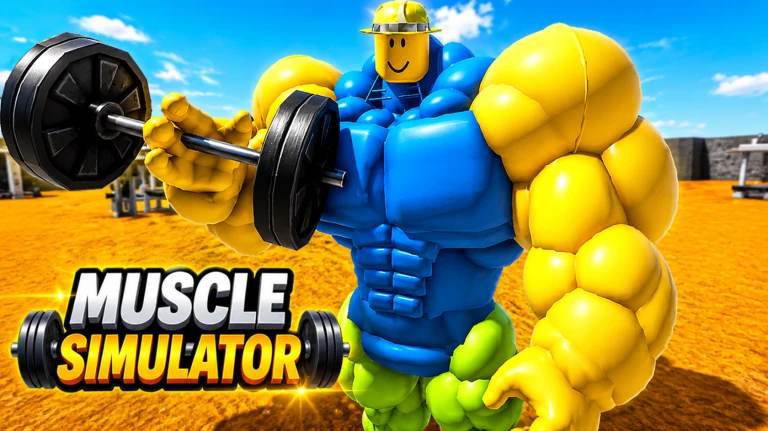
MUSCLE SIMULATOR Roblox Script combines Auto Farm strength and Teleport to farm position in an autofarm script hub for common Roblox executors. It fits the normal progression loop: equip weight, gain strength, return to position, then use power in fights. The build is most useful when a session shifts from manual clicking into repeated training and target control.
Early route: get the lift cycle started
MUSCLE SIMULATOR Roblox Script is an autofarm script hub built around Auto Farm strength and Teleport to farm position for common Roblox executors. At the start of a session, the useful move is to equip a usable Weight, stand at the farm point, and begin adding strength without checking the backpack every few seconds. That early setup keeps the route simple while your character builds the base stats needed for later fights.
The farm toggle starts strength gain through the game’s strength remote and keeps checking that a Weight tool is still equipped. If your character drifts away from the saved training spot, it can move you back to the farm position, so the session does not break just because you were pushed, reset, or distracted.
Run the current loader
Paste the loader into your executor after joining the game, then open the farm, kill, or speed tab you plan to use.
Repeated training controls
Once the first lift cycle is running, the main value comes from small controls that reduce repeated actions. These options focus on keeping the same farm rhythm instead of forcing you to reopen tools, click manually, or walk back to the same spot after every interruption.
- Auto Farm: Fires strength gain repeatedly and checks for a Weight tool while farming.
- Teleport to position: Moves the character back to the fixed farm location used by the build.
- Equip Weight: Searches the character and backpack, preferring upgraded Weight tools before the basic one.
- Delay control: Lets you set the farm interval, with the default value shown as 0.08 seconds.
Fight phase: targets, range, and timing
Later in the session, strength only matters if you can use it cleanly. The combat side can equip the Combat tool, pick one name through partial matching, attack nearby enemies, or switch into Kill All targeting. That makes it practical for brawls where targets move fast and manual tool swapping slows you down.
The timing fields matter because they control the tempo of each fight. Range decides how close a target must be, switch time decides how long to stay on one opponent, and attack cooldown sets how often punches fire. Use tighter values for close fights and wider range only when the server layout needs it.
- Target name
- Locks onto a player when part of the username matches the input.
- Kill All
- Chooses valid opponents around you instead of staying on one named player.
- Equip Combat
- Pulls the Combat tool from the backpack when it is available.