MIC UP FRANCE Roblox Script
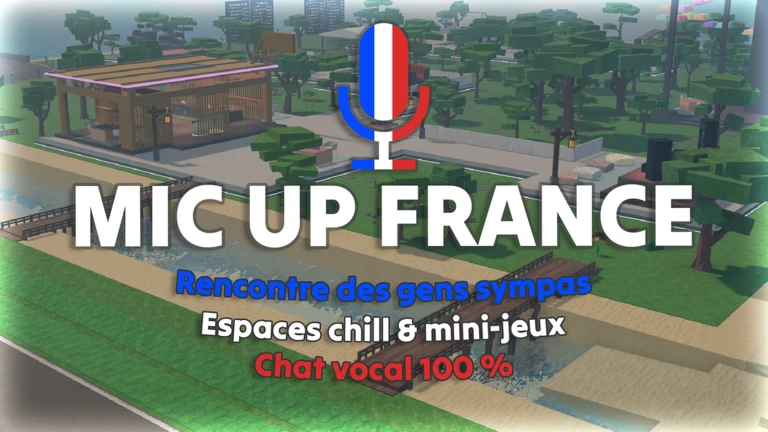
MIC UP FRANCE Roblox Script combines player teleport and walk speed control in an utility script hub for common Roblox executors. This Keyify page presents the current Omega script as a practical utility build for players who want faster navigation, easier positioning, and cleaner control while using the experience as a live chat room.
What This Script Is Best For
MIC UP FRANCE Roblox Script is an utility script hub built around player teleport and walk speed control for common Roblox executors. The value of this build is mobility: getting to active groups quickly, repositioning without walking across the whole map, and avoiding awkward stuck spots when crowded areas become difficult to navigate.
The script fits players who use the game mainly for conversations, meetups, trolling-free exploring, or joining friends in busy servers. It should be viewed as a convenience layer for a voice chat environment, not a replacement for normal interaction or the social focus of the experience.
Main Movement Controls
- Walk speed
- Adjusts your character speed so you can cross the map faster and return to conversations without long travel time.
- Jump power
- Raises or lowers jump height, useful for reaching small platforms, ledges, or playful social spots around the map.
- Fly movement
- Lets you move freely through the air, which is helpful for scouting where people are gathered before joining them.
- Noclip
- Allows movement through nearby geometry, mainly useful when avatars, props, or tight corners trap your character.
Run the Current Loader
Paste the loader into your executor after joining MIC UP FRANCE, then wait for the script interface to finish loading before using movement tools.
Teleporting Around a Voice Chat Server
Teleport tools are especially relevant in MIC UP FRANCE because the experience depends on where people are standing and talking. Instead of wandering through empty corners, you can move toward busier locations, rejoin a friend, or quickly leave an area that is too loud or crowded.
Use teleporting with some common sense in a social game. Dropping directly into the center of a private conversation can be annoying, while moving near the group first gives you a better chance to listen, greet people, and join naturally.
Practical Ways to Use the Build
- Find active groups: Use fly or faster walking to scan the map and locate where players are actually speaking.
- Rejoin friends: Use teleport movement when a friend moves to another part of the server or changes hangout spots.
- Escape crowding: Use noclip or jump control if a cluster of avatars blocks doorways, corners, or seating areas.
- Explore quietly: Move above or around the map to check locations before deciding where to start chatting.