Beyblade Physics Roblox Script
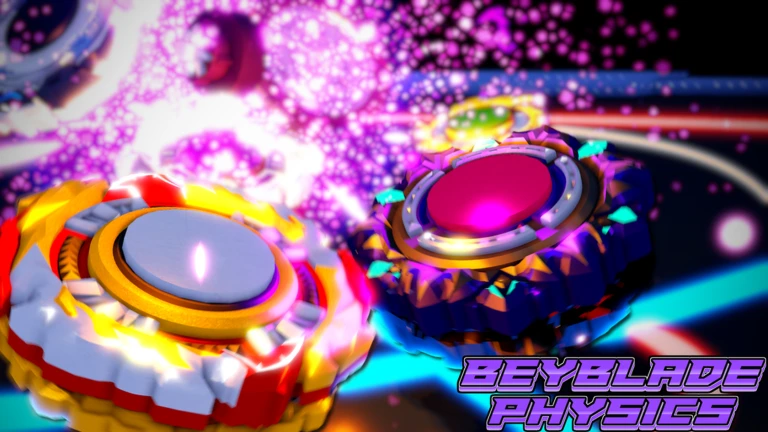
Beyblade Physics Roblox Script combines Layer selector and Disc selector in an utility script hub for common Roblox executors. The script is built around selecting Beyblade parts, changing burst effects, and moving between stadium locations without digging through normal menus.
What This Beyblade Physics Script Is For
Beyblade Physics Roblox Script is an utility script hub built around Layer selector and Disc selector for common Roblox executors. Instead of manually searching through customization menus, it presents layer, disc, and tip choices in a cleaner selector layout, then applies the chosen combination through the game’s part confirmation event.
It also includes arena movement tools, so the same interface can be used between customization and play. The included stadium buttons are specific to Giga Stadium, Spike Stadium, and Small Stadium, making this more useful than a generic teleport menu for players who regularly test different builds.
Beyblade Part Customization
- Layer selection
- Choose a layer from the available customization folder and prepare it as the top part of the Beyblade setup.
- Disc selection
- Pick a disc from the detected disc list, useful when testing weight, balance, and stamina combinations.
- Tip selection
- Select a tip from the available tip options before applying the full Beyblade configuration.
- Apply parts button
- Sends the selected layer, disc, and tip together, so the build changes in one action.
Use the Current Loader
Run the loader only when you are in Beyblade Physics and ready to configure your Beyblade or move to a stadium.
Burst Effect Control
The BFX tab is dedicated to burst effect selection. It reads the available burst effect names from the player’s burst effect interface, excludes a showcase script entry, sorts the remaining names, and places them into a dropdown for easy browsing.
After a burst effect is selected, the apply button sends that choice to the game’s burst effect change event. This is useful for players who care about the visual style of their launches and bursts, especially when comparing effects alongside different part combinations.
Stadium Teleport Options
- Giga Stadium: Moves the character to the Giga Stadium position, suitable for quickly reaching a larger battle area.
- Spike Stadium: Teleports directly to the Spike Stadium location for players testing builds in that arena layout.
- Small Stadium: Sends the player to the Small Stadium position, helpful for compact matches and close-range testing.
- Anchor on teleport: Optionally anchors the character after moving, which can help keep position immediately after arrival.