ROOM 13 HORROR Roblox Script
Overview
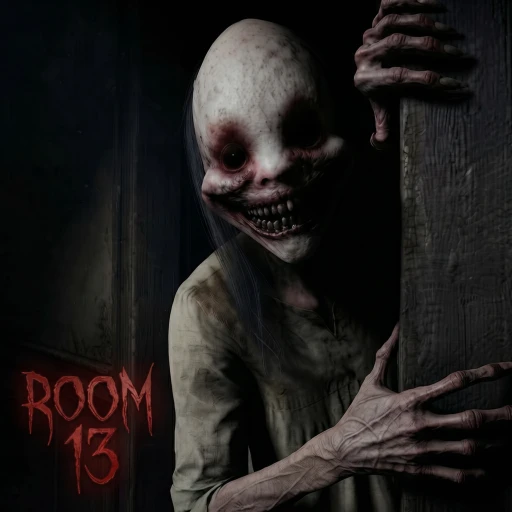
ROOM 13 puts you on an abandoned hospital’s night shift: answer call bells before they ring out while avoiding a threat that notices light and running. Start with the ordinary survival controls below; the available script option is a universal utility build, not a dedicated hospital-shift tool.
Script loader
Copy the loader below when you are ready to use the option described on this page.
Source checked after the latest Roblox update
- Roblox updatedOctober 21, 2026
- Source checkedOctober 24, 2026
- Page refreshedOctober 24, 2026
Step by stepAnswer bells without ignoring the night threat
Your shift has two pressures: every call bell needs an answer before it rings out, but the nighttime threat can see your light and hear you run. Three missed calls end the shift. Treat movement, flashlight use and hiding as ordinary gameplay decisions rather than script features.
- Respond to a call
When a bell rings, work toward answering it before it rings out. Move with WASD on PC or the left stick on console; use E or X to interact. Open the map with Tab or LB when you need to consult it.
- Balance urgency and exposure
Sprint with Shift on PC or by clicking the left stick on console, but remember that she hears running. The flashlight uses F or Y, and she sees its light. Avoid treating either sprinting or illumination as a consequence-free way to reach a bell.
- Hide when threatened
When you need to hide from her, use a locker and hold your breath with Space on PC or A on console. Focus on hiding during the immediate danger rather than continuing a run toward a call bell.
Game snapshot
Checked October 24, 2026
Roblox identity
- Place ID
- 115731125148998
- Universe ID
- 10769078228
- Released
- October 3, 2026
- Server size
- 20
Questions about this build
Can I play ROOM 13 alone or with friends?
ROOM 13 supports solo play or a group of up to four players across its six-night premise. Choose solo if you want to face the hospital shift alone, or bring a group within that player limit.