Hide In Pixels Roblox Script
Overview
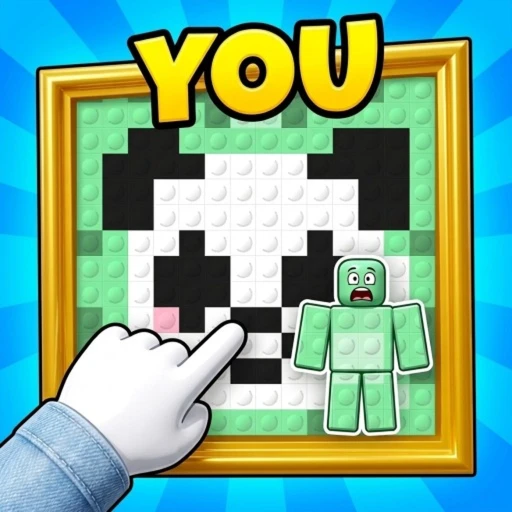
Hide In Pixels is about painting your character to match a giant pixel-art picture, then staying still to avoid being spotted. The available script option is a universal utility build; keep the painting-and-hiding loop central when deciding whether to use it.
Script loader
Copy the loader below when you are ready to use the option described on this page.
Source checked after the latest Roblox update
- Roblox updatedOctober 21, 2026
- Source checkedOctober 24, 2026
- Page refreshedOctober 24, 2026
Step by stepMatch the painting before you freeze
Each round gives you a giant pixel-art painting and a head-to-head camouflage challenge. Treat painting and hiding as separate actions: first match your character to the picture, then stop moving and let the camouflage do its work. These are ordinary gameplay steps, not features of the utility build.
- Read the picture
Look at the round's painting before coloring your character. Use its visible pixel colors as your reference rather than carrying the previous round's color choices into a new picture.
- Paint block by block
Color your character to match the picture. As you work, compare the character's blocks with the painting and focus your remaining painting effort on visible mismatches.
- Switch to hiding
Once you have finished matching the picture, freeze. The round is about blending in better than your opponent, so keep painting decisions separate from the stillness that follows.
- Follow the round result
The first player to win two rounds wins the game. After a round, check whether the match is finished; if another round begins, use its painting as your new reference.
Game snapshot
Checked October 24, 2026
Roblox identity
- Place ID
- 97572766830918
- Universe ID
- 10768026334
- Released
- September 25, 2026
- Server size
- 20