Piggy: Intercity Roblox Script
Piggy: Intercity Roblox Script combines Reach and Hitbox resize in a combat script hub for common Roblox executors. It is most useful after joining a live server, when the day starts turning into a loop of moving between danger, loot, and side activities.
First Minutes: Make the Map Less Hostile
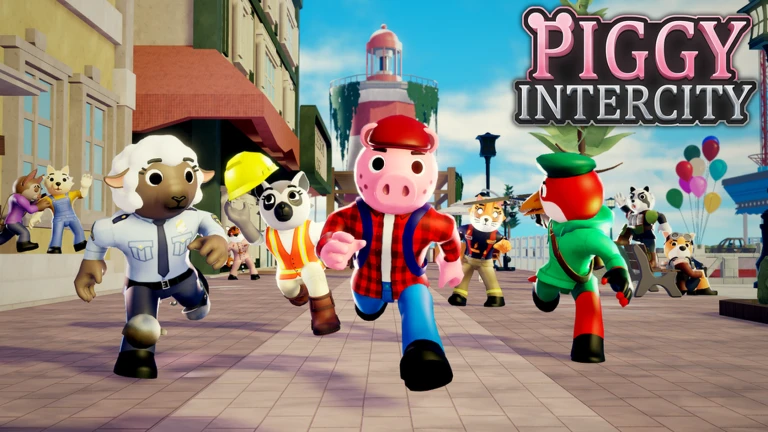
Piggy: Intercity Roblox Script is a combat script hub built around Reach and Hitbox resize for common Roblox executors. The opening value is threat control: Reach and hitbox resize let close encounters feel less cramped, especially when a route forces you through buildings, tree paths, or narrow town edges.
Once the server settles, the movement toggles become the real comfort layer. Speed, JumpPower, noclip, and infinite jump help you cross awkward terrain, recover from bad positioning, or return to an objective without wasting a full trip across Intercity’s spread-out zones.
Field Checklist for Loot and Objectives
The visual tab reads like a field kit rather than a cosmetic panel. Instead of guessing what is behind the next wall or wasting time checking empty corners, the ESP options point your attention toward the things that matter during a daily quest run.
- Enemies ESP: Marks infected and listed hostile NPCs so you can choose a safer path before committing to a route.
- Lootcrates ESP: Helps locate crates during scavenging, reducing the slow backtracking that usually eats server time.
- Materials ESP: Highlights useful material pickups, making resource collection more predictable during repeat objective loops.
Loader Placement
Run the loader after your character has spawned so the movement, ESP, and minigame controls can attach cleanly.
When the Routine Turns Repetitive
After the first few fights and supply checks, the daily quest grind often becomes a cycle: travel, search, dodge, repeat. That is where the minigame tools fit. The build includes manual Golf teleport controls, AutoGolf, and Bowling support, with the golf logic aimed at the Gold Golf lanes.
A practical rhythm is to use ESP for scouting, movement tools for travel, then minigame assists when the server’s active objective pulls you away from combat. Keep the stronger movement options deliberate, because noclip and high jumps are best used as shortcuts, not as a permanent way to read the map.
- Manual golf teleport
- Useful when a lane location is awkward or you need to reset positioning quickly.
- AutoGolf
- Reduces repetition in the golf activity, especially during runs that keep sending you back.