Anomaly Watch Roblox Script
Anomaly Watch Roblox Script combines anomaly highlights and auto report assistance in an utility script hub for common Roblox executors. This Keyify page covers a UWU HUB build aimed at making anomaly tracking easier, with tools that fit camera watching, room checking, and fast reporting.
What This Script Is Built For
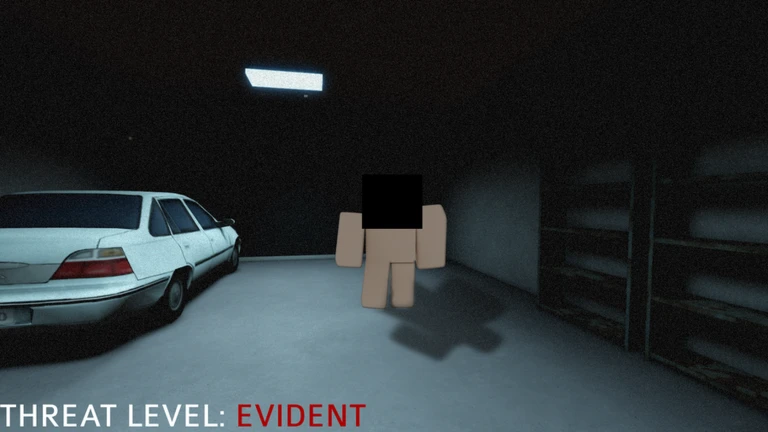
Anomaly Watch Roblox Script is an utility script hub built around anomaly highlights and auto report assistance for common Roblox executors. Instead of slowly walking every aisle, hallway, and side room, the included helpers focus on finding changed objects, checking the church layout faster, and keeping visibility stable during darker moments.
Because the game depends on observation rather than combat, the feature set is centered on awareness and routing. That makes it better suited for repeat runs, testing different anomaly patterns, or helping newer players learn which parts of the church tend to change during a match.
Main Gameplay Helpers
- Anomaly highlights: Marks suspicious changes so small object shifts, visual oddities, or room events are easier to notice during a run.
- Auto report assistance: Helps with the reporting step after an anomaly is found, reducing menu time and missed follow-up checks.
- Room teleport shortcuts: Moves you between important church areas quickly, which is useful when an event needs direct inspection.
- Fullbright visibility: Improves dark interior visibility so pews, corners, doors, and altar details stay readable without constant strain.
- Movement speed controls: Lets you cover long church paths faster while still keeping the observation loop focused on finding anomalies.
Use the Current Loader
Run the loader once you are inside the experience, then open the hub controls and enable only the helpers you actually need.
How It Fits the Church Setting
A church map usually has many repeated shapes, including pew rows, wall decorations, windows, candles, doors, and altar objects. That repetition makes small changes easy to miss, especially when a player is switching attention between several rooms. Highlighting and visibility tools are practical here because they support the actual challenge rather than replacing it with unrelated mechanics.
Teleport shortcuts also make sense in this setting because distance can be a problem after you notice something suspicious. If an object looks wrong on one side of the building, faster repositioning helps confirm the anomaly before the next event appears somewhere else.
Best Way to Use the Features
- Start with visibility: Enable fullbright first so you can judge object positions and room details more consistently.
- Add highlights carefully: Use anomaly highlights when learning the map, then reduce reliance once you know common church changes.
- Teleport after spotting: Jump to rooms for confirmation instead of teleporting constantly, since constant movement can break your observation rhythm.
- Keep speed moderate: A small speed boost is usually enough for patrol routes without making narrow spaces harder to inspect.