Build a House Roblox Script
Build a House Roblox Script helps when your plot is half-finished and the next supply run slows the build.
When the plot starts stretching your route
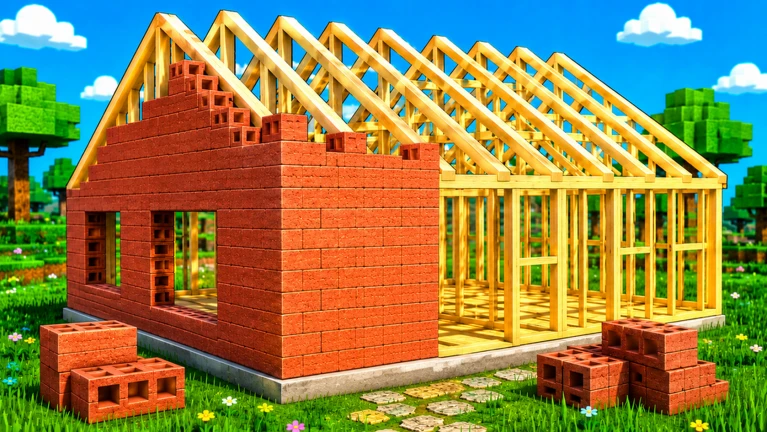
Build a House Roblox Script is a house-focused helper for faster plot movement. The useful moment is simple: you place part of a structure, notice another material or station is across the map, and need to keep building instead of walking the same route again. The current selection centers on movement controls and player utilities rather than unrelated combat or farming tools.
For repeat sessions, the best choice is the build that keeps navigation close to the building loop. Use speed changes while crossing open areas, jump changes when moving around tall frames, and plot movement tools when returning to the same work area. Those decisions matter more than a crowded menu because Build a House rewards steady, organized construction.
Practical play notes before you load a build
- Use moderate speed: Keep movement high enough for travel, but low enough to position parts and corners accurately.
- Return to plot: Favor teleporting back to your build area after errands instead of roaming without a clear task.
- Reset only when stuck: Save player reset tools for bad positions, blocked movement, or a session that needs a clean restart.
- Compare layouts: Pick the interface that lets you reach travel controls quickly while still watching your structure.
Choose the build that matches your session plan
Start with the house-focused public build for plot work, or use the universal utility build when you only need basic movement support.