Backrooms: Survival Roblox Script
Backrooms: Survival Roblox Script combines Auto Lockpick and Teleport to Chair Room in a combat script hub for common Roblox executors. It is built around a simple tabbed menu, so the useful tools are separated into puzzle teleports, shop purchases, and character assistance.
What This Backrooms: Survival Script Does
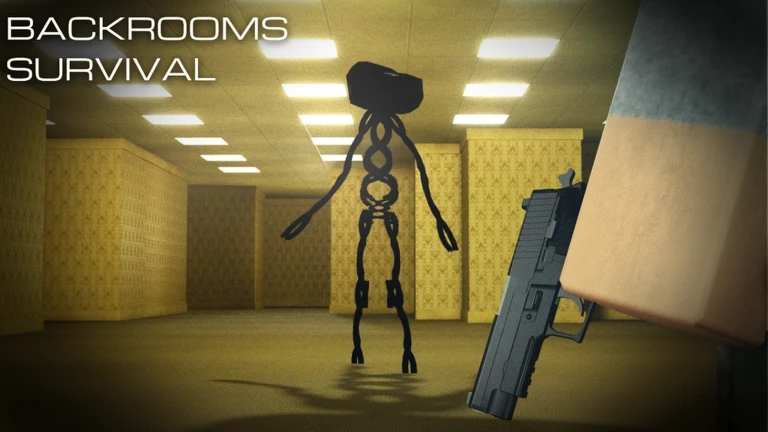
Backrooms: Survival Roblox Script is a combat script hub built around Auto Lockpick and Teleport to Chair Room for common Roblox executors. Instead of walking back and forth across Level 0 for specific rooms or interacting with the vendor one item at a time, it gives direct buttons and dropdowns for the tasks that usually slow a run down.
Its strongest use is convenience rather than a full combat overhaul. The included tools help with reaching puzzle locations, stocking up from the Armory vendor, and finishing lockpick interactions quickly, which makes it useful for resource gathering, crate opening, and repeated exploration attempts.
Puzzle Teleports for Level 0
The Main tab contains teleport buttons tied to specific Level 0 locations. These are especially helpful when you are trying to reach puzzle areas quickly, return to a known objective, or skip the confusion of similar-looking corridors while navigating under pressure.
- Chair Room
- Moves your character to the chair room location, useful when that room is part of your current route.
- Sound Puzzle 1
- Teleports directly to the first listed sound puzzle gate so you can start or revisit it quickly.
- Sound Puzzle 2
- Sends you to a second sound puzzle gate, giving faster access to another puzzle path.
Use the Menu During a Run
Open the interface once you are loaded into Backrooms: Survival, then use the tabs to move, buy, or handle lockpicking without digging through the map manually.
Vendor Buying Tools
The Shop tab is organized around the Main Base vendor and uses multi-select dropdowns. Selecting items triggers vendor purchase requests for the chosen gear, which is useful when you already know what supplies you want before heading back into unsafe areas.
- Ammo: Includes handgun, magnum, shotgun, tactical, and sniper ammo for different weapon loadouts.
- Food and healing supplies: Covers almond water items, canned food, bars, MREs, Liquid Pain, and Adrenaline Can.
- Weapons: Offers many firearms, from pistols and SMGs to shotguns, rifles, and heavier options.
- Utility gear: Includes flashlights, lockpicks, grenades, molotovs, melee weapons, and vest accessories.
Auto Lockpick Support
The Character tab includes an Auto Lockpick toggle. When a lockpicking interface appears in the player GUI, the script looks for the lockpicking body part value and finish event, then fires the completion event and removes the lockpicking screen.
This is useful for crates or locked interactions because it cuts out the manual minigame and helps you return to movement quickly. The script also restores basic character movement values after completion, including walk speed, jump power, and unanchoring the root part.
Best Use Cases
This build works best as a utility menu for players who already understand Backrooms: Survival routes and want faster repetition. It does not try to explain puzzles or add a complete enemy system, but it does remove several common delays from gathering and progression.
- Farming supplies: Use vendor dropdowns to restock ammo, food, armor, and tools before another exploration route.
- Repeating puzzle runs: Use the teleport buttons to reach known puzzle locations without wandering through Level 0.
- Opening locked crates: Enable Auto Lockpick when you expect locked containers and want faster reward collection.