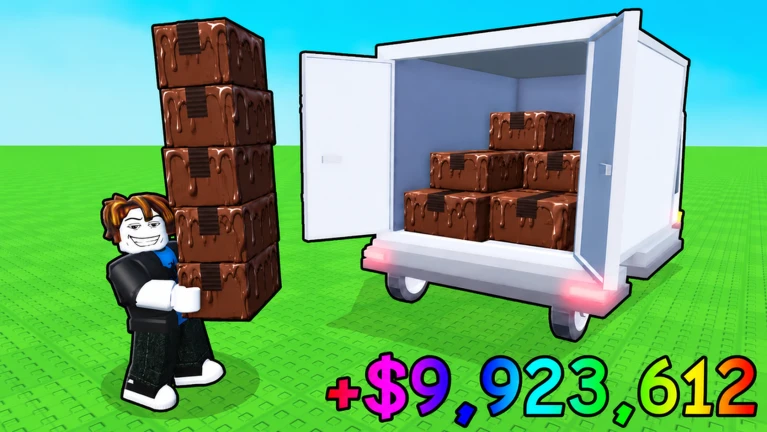
Wait For 1 Year Roblox Script
Wait For 1 Year Roblox Script combines Auto Teleport in an utility script hub for common Roblox executors. The build is centered around an Auto Teleport button, making it useful for players who want a simple position tool instead of a crowded menu full of unrelated options.
What This Script Does In Wait For 1 Year
Wait For 1 Year Roblox Script is an utility script hub built around Auto Teleport for common Roblox executors. This script does not try to change every part of the experience. Instead, it gives the player a direct teleport helper that repeatedly places the character at a specific coordinate tied to the current build.
That narrow focus is the main reason the script is easy to understand. Once loaded, it creates a small panel with a single Auto Teleport control. Players who only need movement assistance can avoid larger hubs that include unrelated tools, confusing tabs, or features designed for completely different Roblox games.
Confirmed Feature
- Auto Teleport
- Toggles repeated teleporting to a preset location, helping the player return to the same target spot without walking back manually.
Use the Current Loader
Run the loader in your executor, then use the on-screen button to switch Auto Teleport on or off.
How The Interface Is Set Up
The interface is small and designed to stay out of the way. It appears as a movable window with a title, a close button, and one main action button. The button text changes when the teleport is active, so it is easy to see whether the function is currently enabled.
The window can be dragged around the screen, which is useful in a waiting-style game where players may want to keep the view clear. Closing the panel removes it from the player interface, while toggling the teleport button changes the state of the movement loop.