Toons Universe Roblox Script
Toons Universe Roblox Script combines auto collect items and extractor assist in an autofarm script hub for common Roblox executors. The loader presents a short notice before running, while the practical value comes from movement, collection, extractor, and visibility tools suited to floor-based Toon runs.
Run Goals for Floor Progress
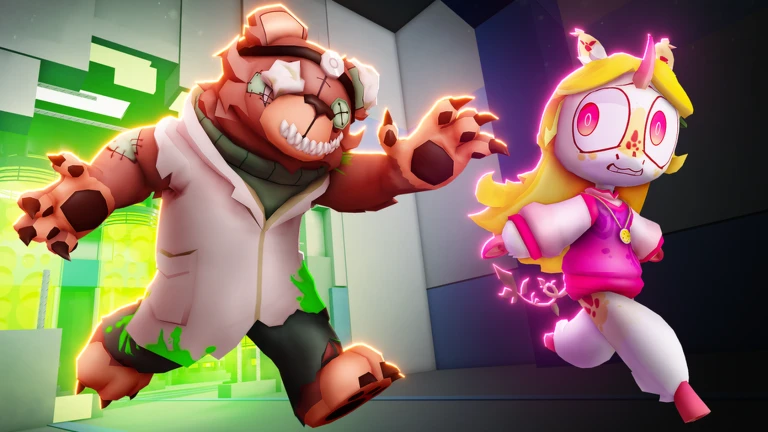
Toons Universe Roblox Script is an autofarm script hub built around auto collect items and extractor assist for common Roblox executors. The most useful angle is extractor assist, because it can reduce the small timing mistakes that slow teams down and turn simple rooms into failed rotations.
Use the build as a support layer rather than a replacement for map awareness. Auto collection helps with scattered pickups, teleport options can shorten late-floor travel, and visibility tools make steady floor progress easier when the round becomes crowded.
Tool Groups Worth Checking First
Start with the tools that answer immediate run problems: locating danger, reaching useful objects, and getting back to the exit without wasting stamina. Avoid toggling everything at once, since cleaner routing usually comes from a small set of active options.
- Collection: auto collect items is best kept on during looting phases, then checked after floor transitions.
- Visibility: monster ESP and toon ESP help separate real threats from teammates moving through nearby rooms.
- Movement: Speed control is useful for repositioning, but extreme values can make tight rooms harder to manage.
- Exit travel: Teleport to elevator fits end-of-floor cleanup, especially after objectives are already handled.
Run Notice
Use the loader after joining a live server, then wait for its on-screen continue prompt before expecting the hub to appear.
Timing, Control, and Field Caution
The visible loader shows a Continue prompt before the hub runs, so do not assume the script has stalled just because the first panel appears. It also references the Developer Console for troubleshooting, which is useful if the hub fails to open after waiting in a stable server.
One caution: the loader attempts to copy a Discord invite before execution. That does not change gameplay, but it is worth knowing before you run it. If something breaks, a clear error report is more helpful than repeatedly rejoining and stacking failed attempts.