dzielnica Roblox Script
dzielnica Roblox Script combines Parry block touch activation and Ragdoll touch activation in an utility script hub for common Roblox executors. This script focuses on quick access to three touch-based actions, giving players toggles for parry blocking, ragdolling, and the suicide brick interaction without manually stepping on each part.
What This Script Controls
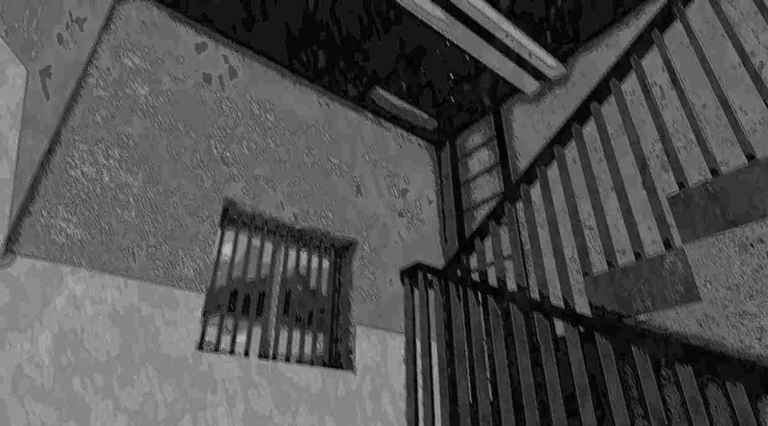
dzielnica Roblox Script is an utility script hub built around Parry block touch activation and Ragdoll touch activation for common Roblox executors. Once those parts are found, it creates a compact toggle panel so you can decide which interactions should fire when you use the right mouse button.
This makes the script most useful during testing, practice, or repeated attempts where walking back to a special brick would slow you down. Instead of forcing every effect at once, it lets you enable only the behavior you want for the next click.
Main Action Toggles
- Parry block: Toggle with B or the panel, then right-click to touch the teal parry part through your character.
- Ragdoll: Toggle with J or the panel, then right-click to activate the magenta ragdoll part on your root part.
- Suicide interaction: Toggle with N or the panel, then right-click to move and touch the lime green suicide part.
Use the Current Build
Run the latest loader in-game, then use the on-screen toggles or the listed hotkeys to choose which right-click actions are active.
How It Feels In Play
The interface is small and sits near the lower-left side of the screen, with red and green checkbox colors showing disabled or enabled states. Keyboard shortcuts are useful when you need to switch reactions quickly, while mouse clicks on the panel are easier when you are setting up before a run.
Right-click is the actual trigger for enabled actions, so the toggles work like a loadout rather than instant buttons. If multiple toggles are active, the script attempts each selected touch action in sequence, which can be useful for experimenting with how the test obby responds to combined effects.
- Best use
- Use one toggle at a time when learning what each colored brick does, then combine them only for testing.