Build Your Train Roblox Script
Build Your Train Roblox Script combines Auto drive and Automatic drive click at start in an utility script hub for common Roblox executors. This script page focuses on the current auto drive build, which is designed to start movement and continue it again when the player returns near spawn.
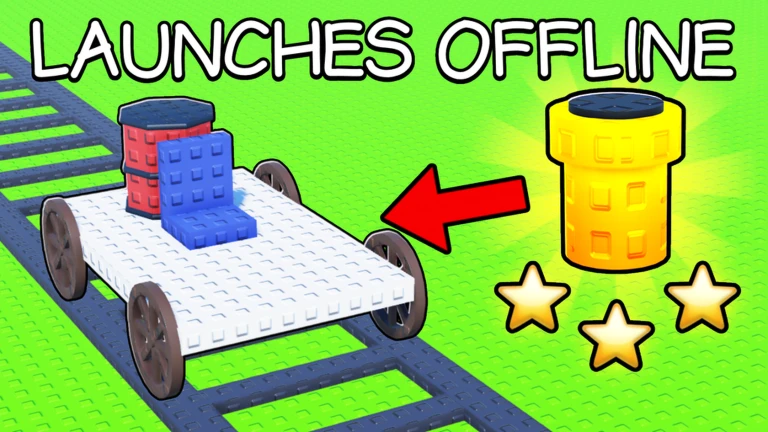
What this Build Your Train script does
Build Your Train Roblox Script is an utility script hub built around Auto drive and Automatic drive click at start for common Roblox executors. Instead of manually pressing the on-screen drive control every time you begin a run, the script sends a click near the top center of the screen, which matches the driving control position used by the current build.
That makes it most useful for players who already have a train ready and want to reduce the repetitive start-and-go part of the loop. It does not claim to build cars, collect parts, upgrade the train, or manage economy systems. Its focus is keeping the driving action moving.
Confirmed automation features
- Auto drive toggle: A menu toggle enables or disables the driving automation without needing to rejoin the game.
- Initial drive click: When enabled, the script performs the drive click once so the train can begin moving.
- Spawn retry behavior: The script scans for spawn markers and repeats the drive click when the character is close to one.
Run the auto drive loader
Use the loader once you are in Build Your Train and your character has fully spawned, then toggle Auto drive from the menu.
How the spawn retry helps
Build Your Train can send players back near the starting area after a run, reset, or failed attempt. The script checks the workspace for objects named as spawn points, stores their positions, and compares them with your character position during play.
If your character is within a small distance of a stored spawn position, the script triggers the same driving click again. This is useful because it avoids the common pause where you are back at the start but forget to restart the train manually.
Best way to use it during a run
- Load in first: Wait until the map, character, and train interface are visible before turning on the feature.
- Prepare your train: Finish any building or placement choices before relying on the auto drive toggle.
- Watch the first start: Confirm the train begins moving after the first automated click, especially after Roblox UI scaling changes.
- Disable when editing: Turn the toggle off if you are adjusting parts or do not want the train to start again.